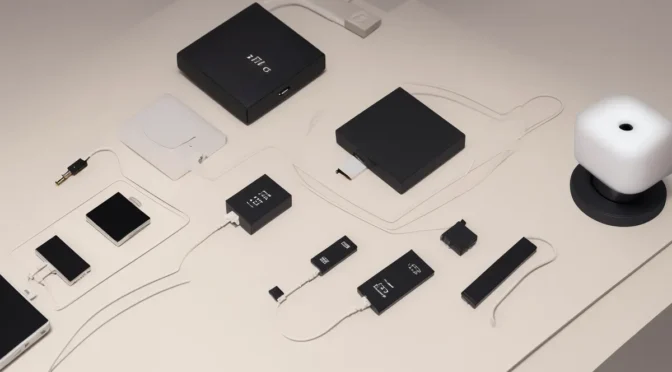
Meshtastic Beginner Setup (US 915 MHz)
This beginner guide walks through a practical first Meshtastic setup for the United States 915 MHz band, with clear steps for hardware selection, firmware setup, phone pairing, and first message testing.
Who This Guide Is For
- New users building a first Meshtastic node in the US.
- Families, hikers, and preparedness groups who need off-grid text messaging.
- Anyone who wants a reliable baseline before advanced tuning.
Before You Start
- Use hardware designed for the US 915 MHz region.
- Update to a stable Meshtastic firmware release.
- Install the Meshtastic app (Android or iOS) before field testing.
- Plan your first tests in a safe area with known landmarks.
Recommended Starter Hardware (US 915)
- Node board: Heltec V3, RAK WisBlock, or T-Beam class devices. If you want a ready-to-go handheld-style starting point, the WisMesh RAK3312 Starter Kit with Meshtastic firmware is a practical first option.
- Antenna: 915 MHz tuned antenna matched to your connector type.
- Power: USB power bank for bench tests, then upgrade to a weather-safe battery system.
- Handheld option: If you want an all-in-one portable unit instead of assembling parts, the RAKwireless WisMesh Pocket v2 is a practical Meshtastic handheld for US 915 use.
- Optional: Waterproof enclosure for outdoor trials.
Step-by-Step Setup
1) Flash Firmware
Install current Meshtastic firmware for your board model. Confirm region is set to US 915 after flashing.
2) Pair Your Phone
Connect over Bluetooth in the Meshtastic app, name your node clearly, and set a recognizable short identifier.
3) Configure Core Settings
- Set region: US 915.
- Apply a channel plan appropriate for your group.
- Enable encryption keys for private group traffic.
4) Run a Local Range Test
Test with at least two nodes. Validate message delivery at increasing distance and with realistic terrain between endpoints.
5) Document Your Baseline
Record firmware version, antenna model, test distance, and battery behavior. This baseline prevents confusion during future tuning.
Common Beginner Mistakes
- Using the wrong region settings or mismatched antenna frequency.
- Skipping firmware updates before comparing performance.
- Assuming bench test results match mountain or forest terrain.
- Deploying outdoor hardware without weatherproofing and maintenance plans.
Next Steps After First Success
- Adirondack Node Deployment Guide for responsible outdoor deployment.
- Best Meshtastic Solar Node Builds in 2026 for long-runtime off-grid builds.
- Best Meshtastic Alternatives in 2026 for non-default architecture options.
Disclaimer
This setup guide is informational. You are responsible for legal operation, safe installation, and compliance with local, state, and federal requirements.
Join ADKMesh
Want to run a node or host a relay location in the Adirondacks?